Vinyl Visualizer
Upload your car photos, choose a finish, and let Gemini render each side.
Step 1 · Upload Photos
0/4
Upload your car (4 sides)
Drag each photo into its slot. We’ll check them individually.Front view
Drop or click to upload
We need clear images of each side.
Rear view
Drop or click to upload
We need clear images of each side.
Left side view
Drop or click to upload
We need clear images of each side.
Right side view
Drop or click to upload
We need clear images of each side.
Step 2 · Select Finish
Pending
Choose finish & color
Search by color name, material, or effect. Preview cards update live.
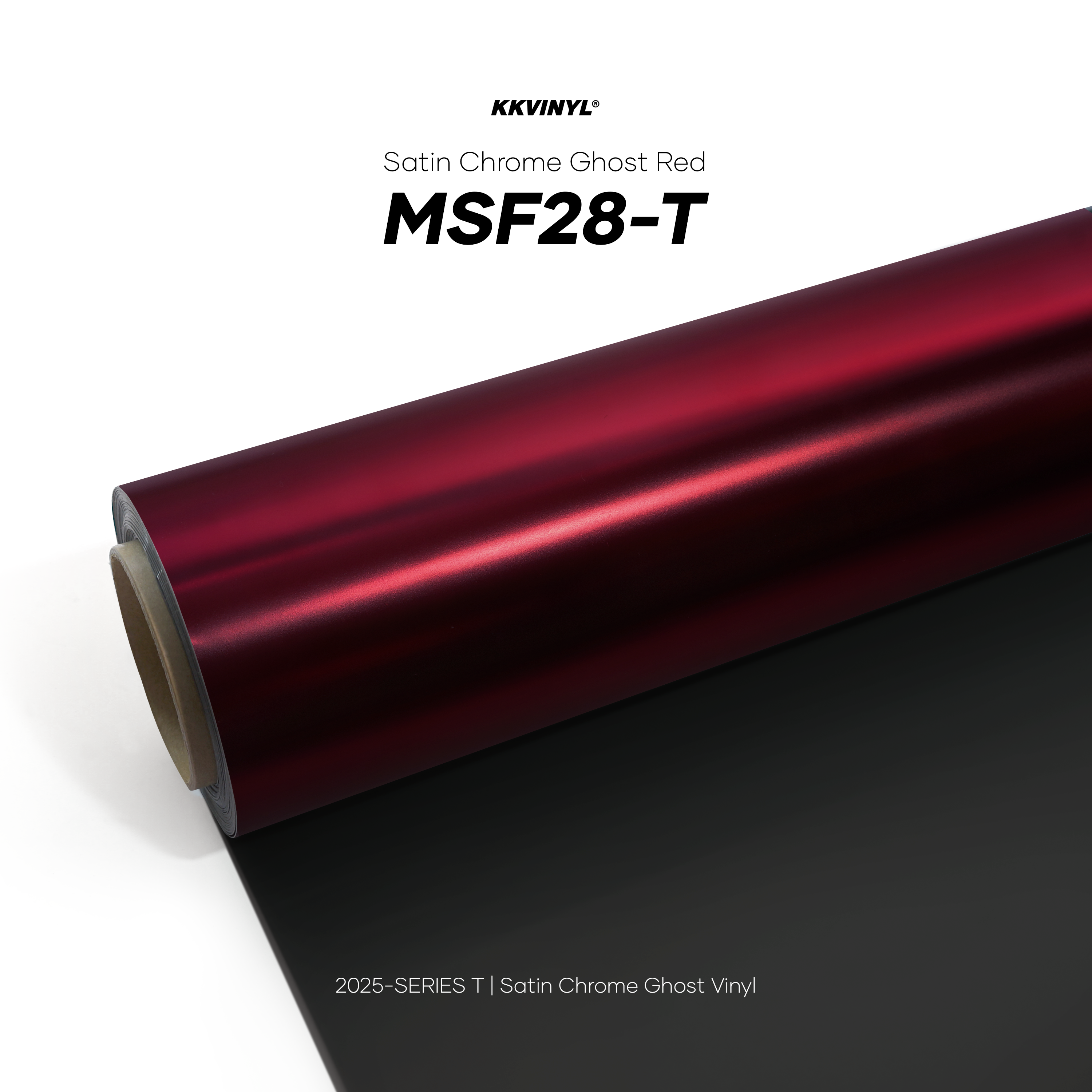
Not selected
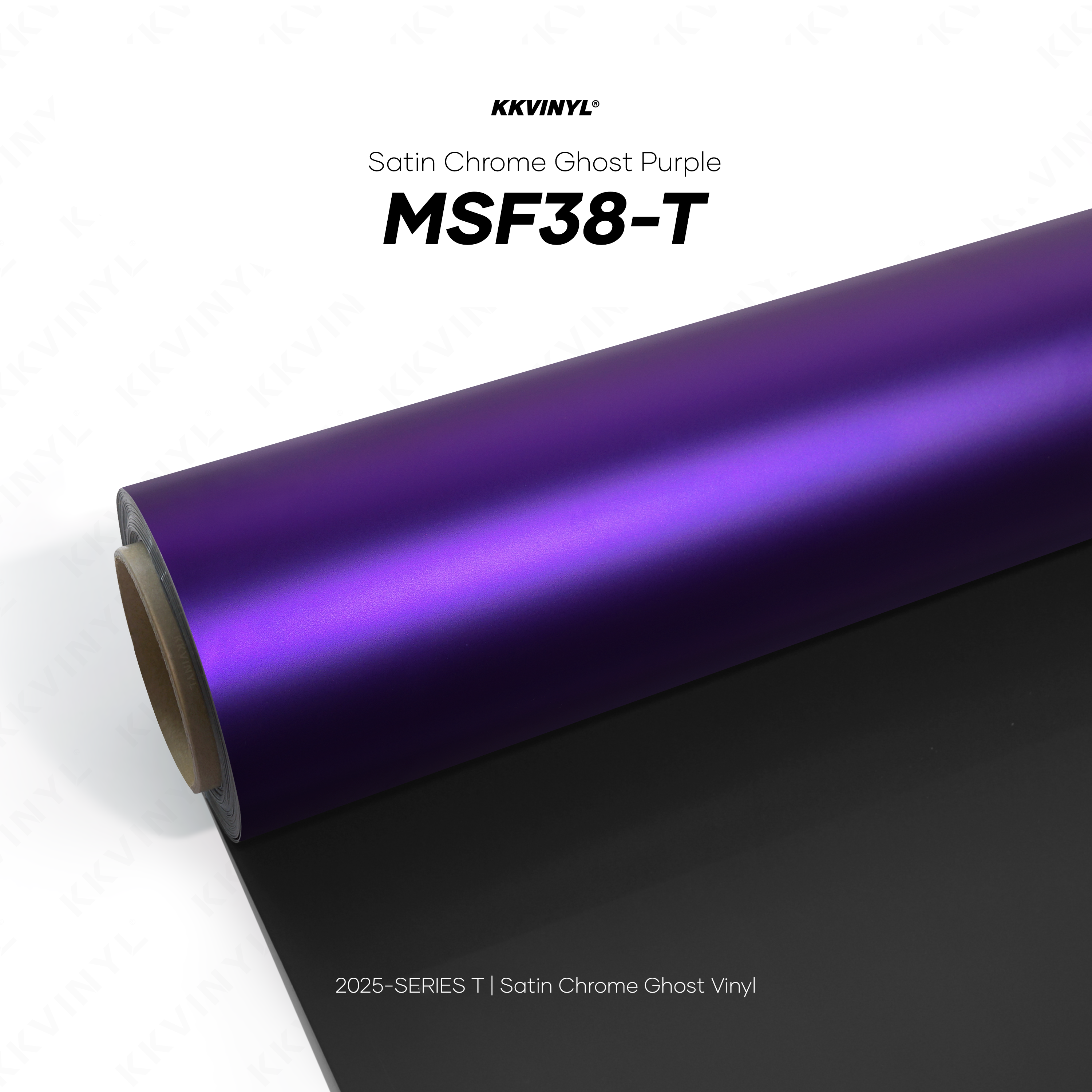
Not selected
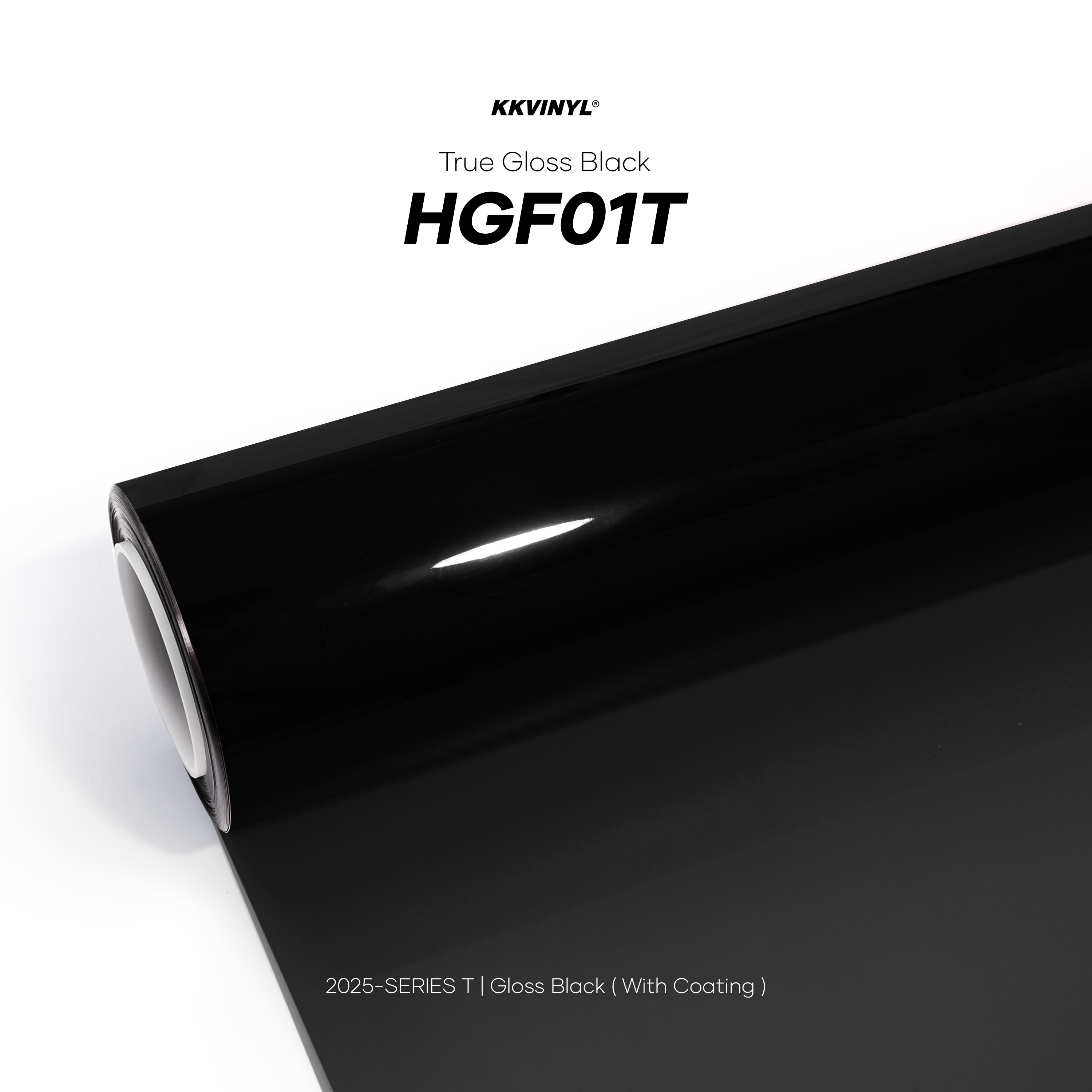
Not selected
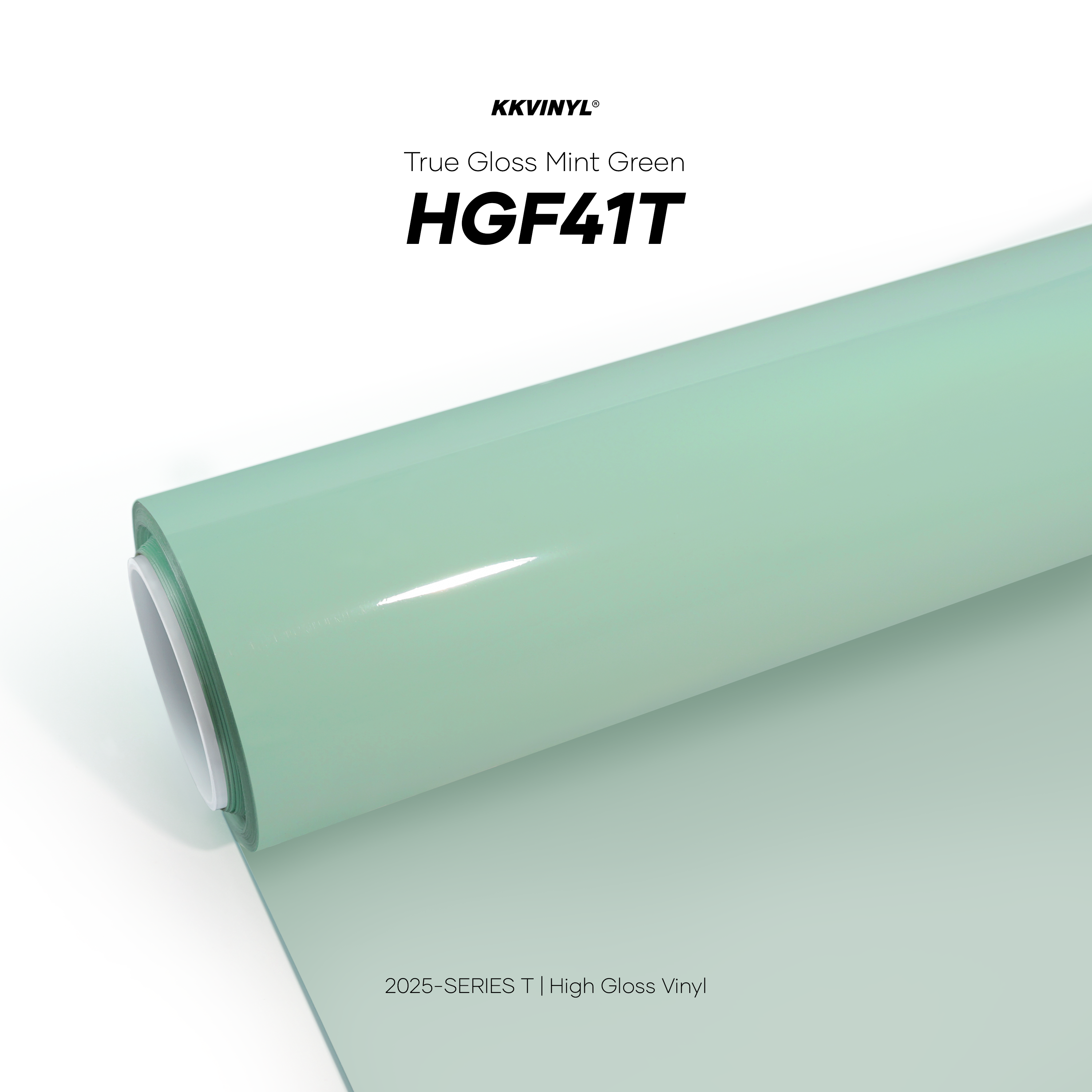
Not selected
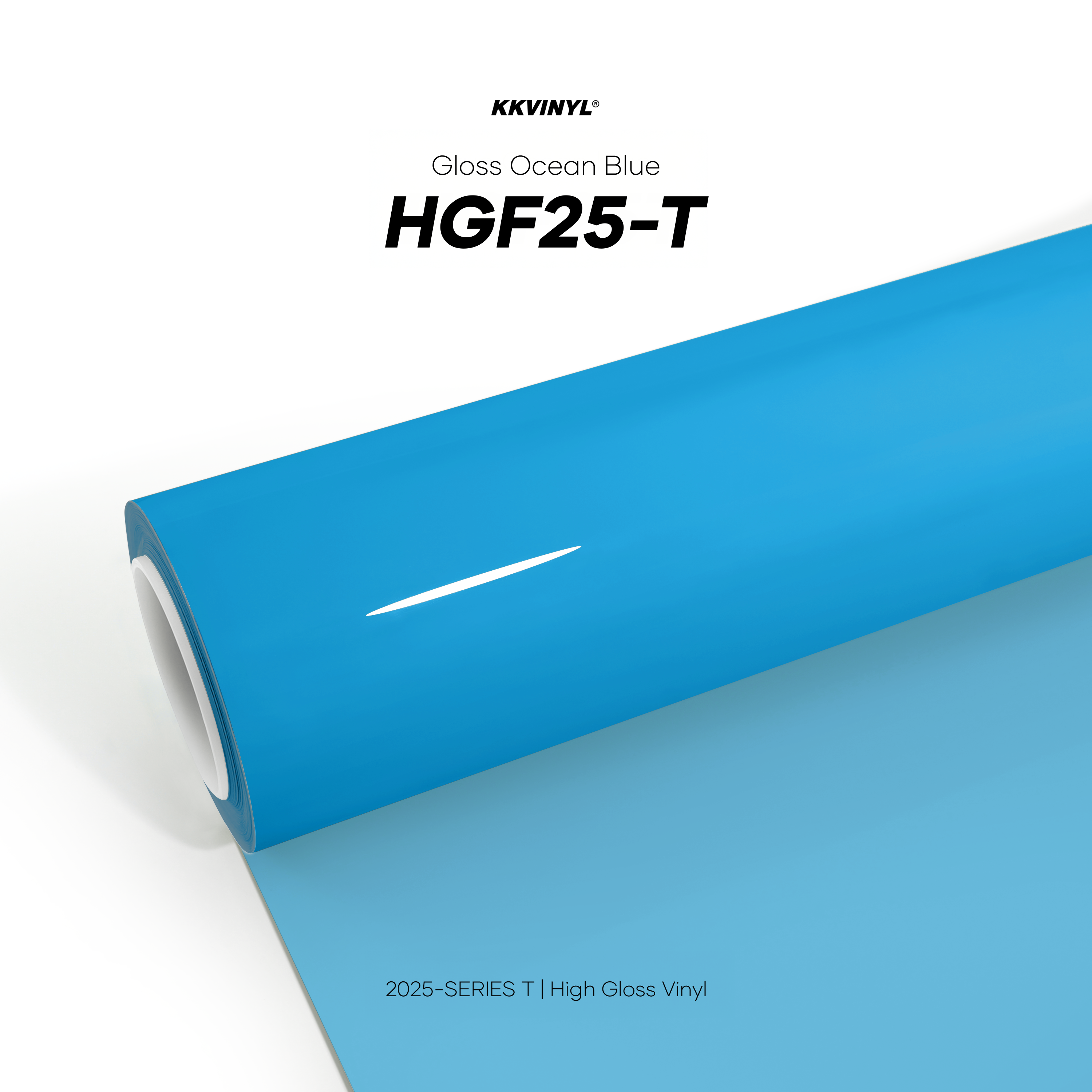
Not selected
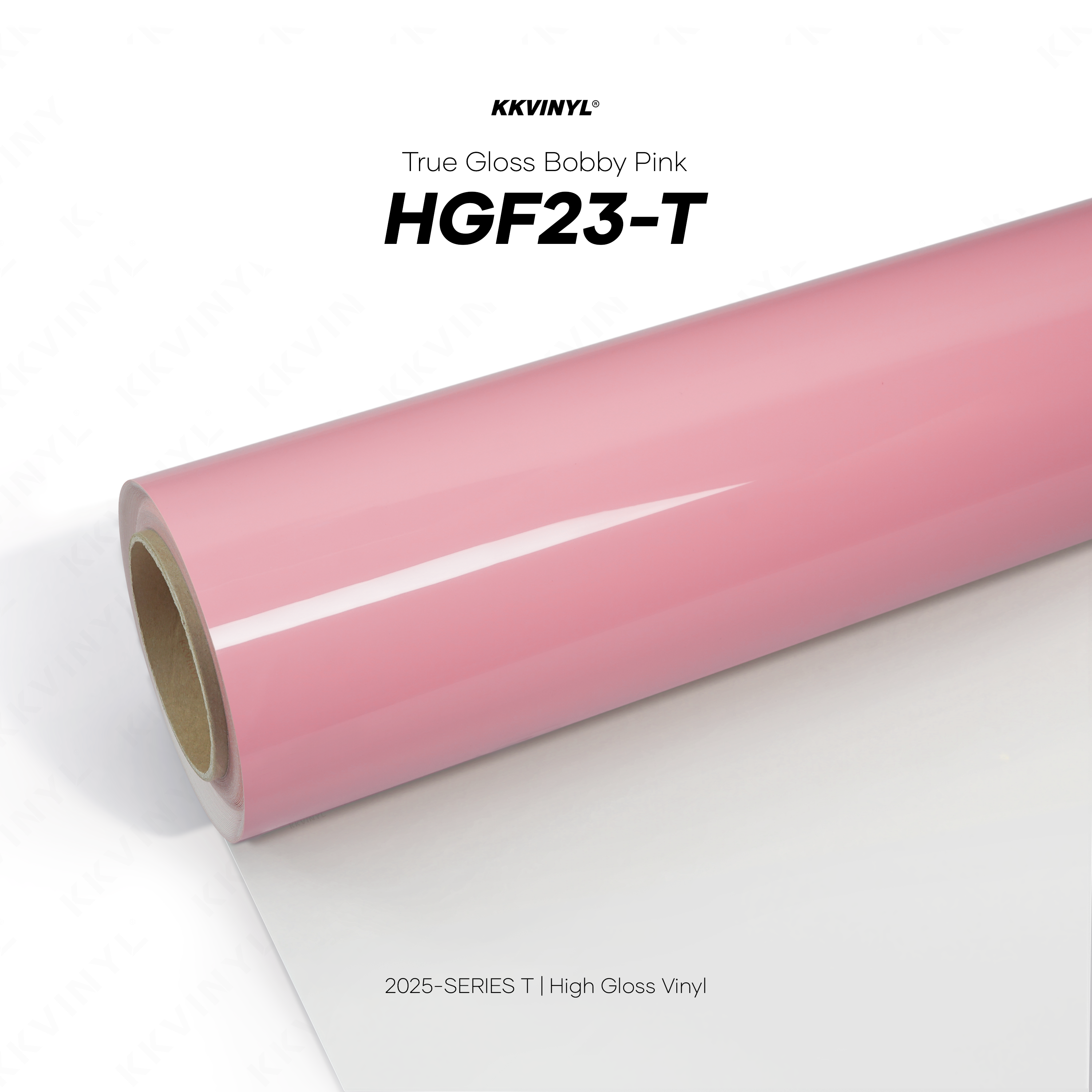
Not selected

Not selected

Not selected

Not selected

Not selected

Not selected

Not selected
Step 3 · Generate render
Awaiting generationUpload photos, pick a finish, then run Gemini.